Browser game project
Minecraft (Eaglercraft)
Build, mine and survive in endless block worlds via EaglercraftX WebAssembly.
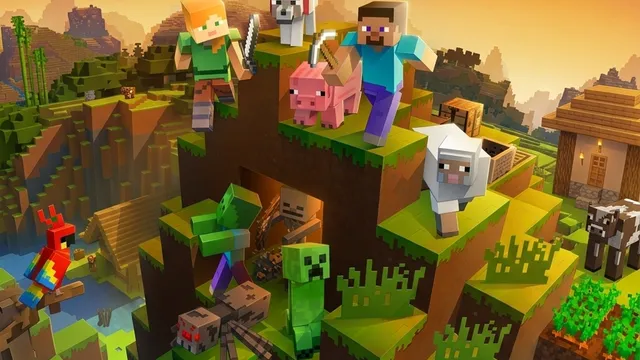
Minecraft (Eaglercraft)
This game opens on a third-party website. Check its setup instructions for any required game files.
Open game siteThis game opens on a third-party website. Check its setup instructions for any required game files.Open game site
Minecraft in a browser tab
Experience authentic Minecraft 1.8.8 survival and creative gameplay right inside your browser window. This entry connects directly to the independent community WebAssembly release hosted at Eaglercraft.
Eaglercraft compiles the Java edition client to WebAssembly and WebGL, allowing complete block breaking, crafting, world generation, and mob combat without any desktop launchers or plugins.
How to play
- Movement: Use W, A, S, D to walk, double-tap W to sprint, and press Space to jump.
- Actions: Left-click to attack or break blocks; right-click to place blocks or interact with items.
- Inventory & Menu: Press E to open inventory, Esc to release pointer lock and pause.
- Performance: Use Chrome, Edge or Firefox on desktop for best WebAssembly performance and low input latency.
Project notes
This is an unofficial fan port developed by lax1dude and open-source contributors. World saves are stored in your browser’s IndexedDB storage; back up your worlds periodically from the in-game world select screen.